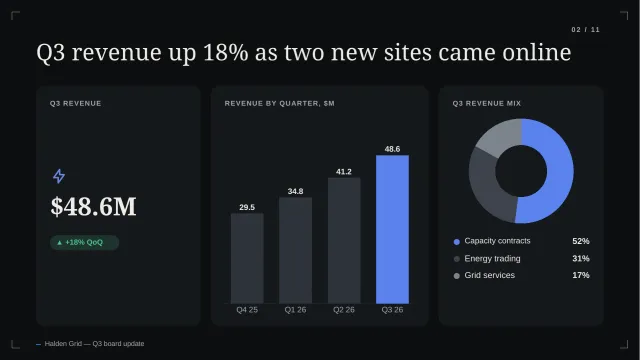

For founders
Your pitch changes every week. Your deck should keep up.
Investor decks get rewritten after every meeting. Start from a brief and your latest numbers, agree the storyline, and get a deck you can keep editing in PowerPoint.
How it fits your workflow
Three steps, and you stay in control.
Nothing is generated, and no credits are spent, until you approve the outline.
- Step 01
Write the brief
Say who you're raising from, how much, and what they must believe. Paste traction numbers and notes from your last update.
- Step 02
Shape the story
Review the outline slide by slide: problem, traction, market, use of funds. Reorder or cut before any credits are spent.
- Step 03
Edit after every meeting
Download a .pptx with native charts. Update this month's revenue in the chart data rather than rebuilding the slide.
Example decks · Midnight and Fog themes
From an example launch plan and seed deck.
Generated from illustrative briefs for a fictional AI analytics product and a field-service startup.
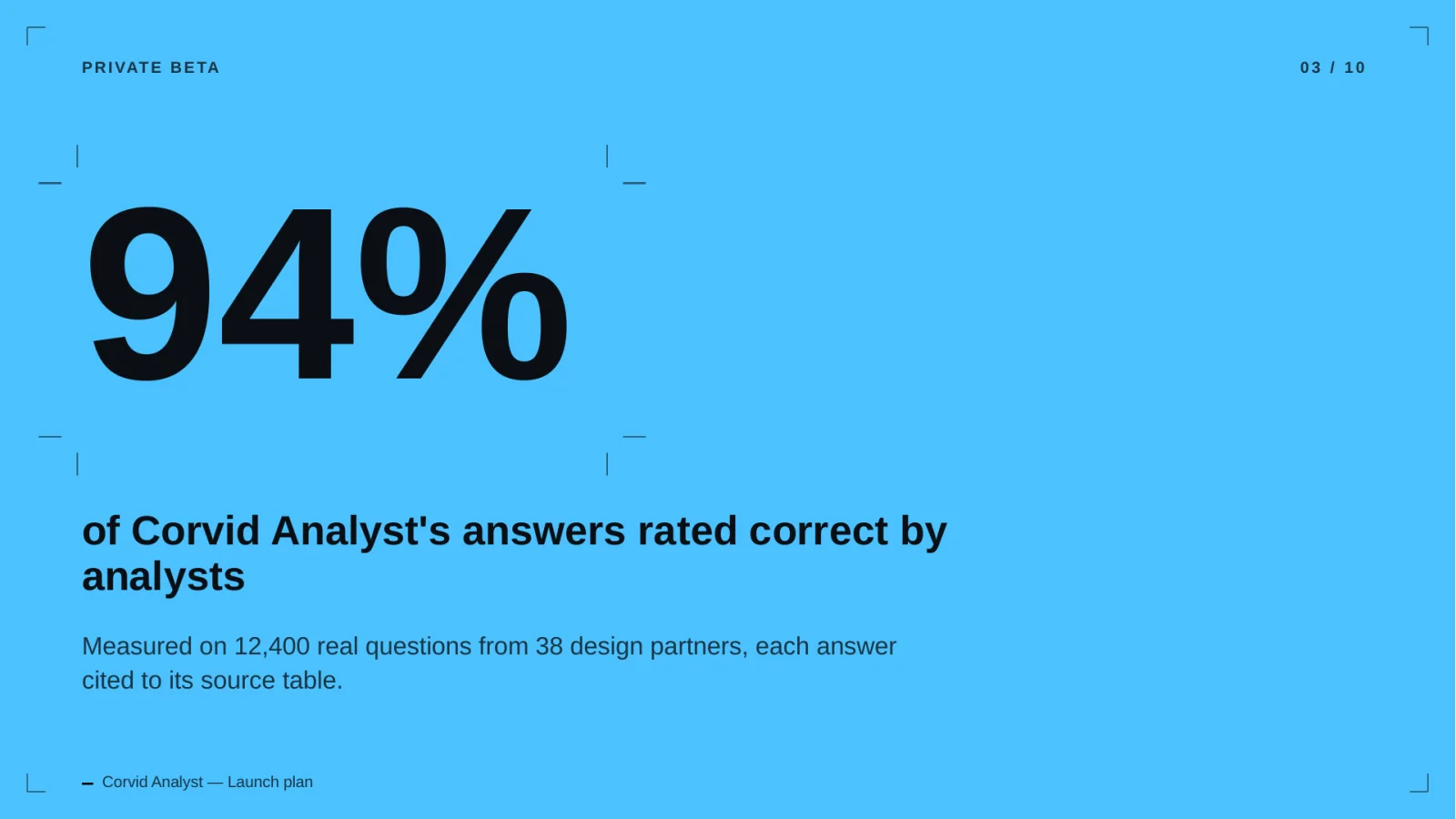
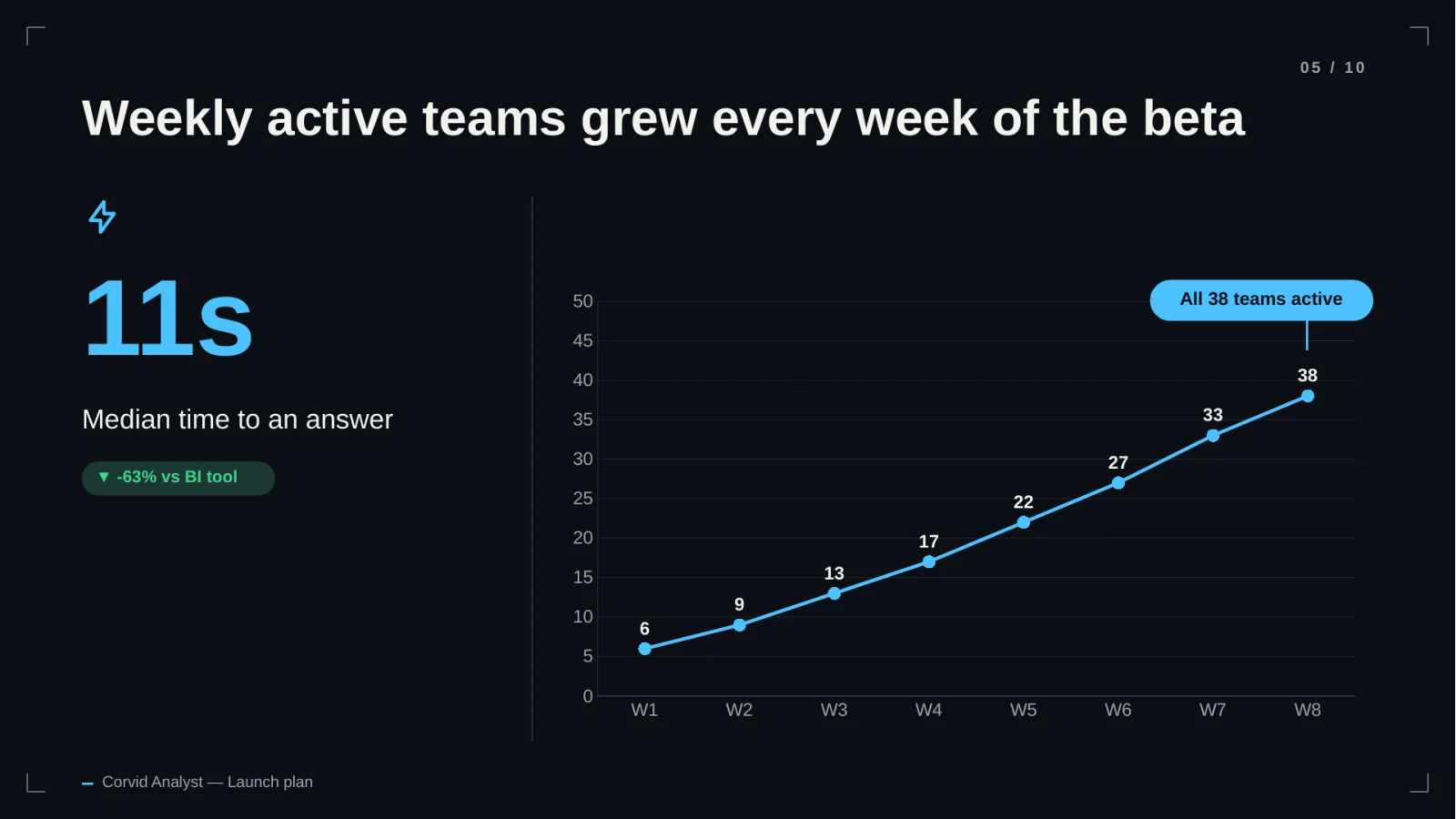
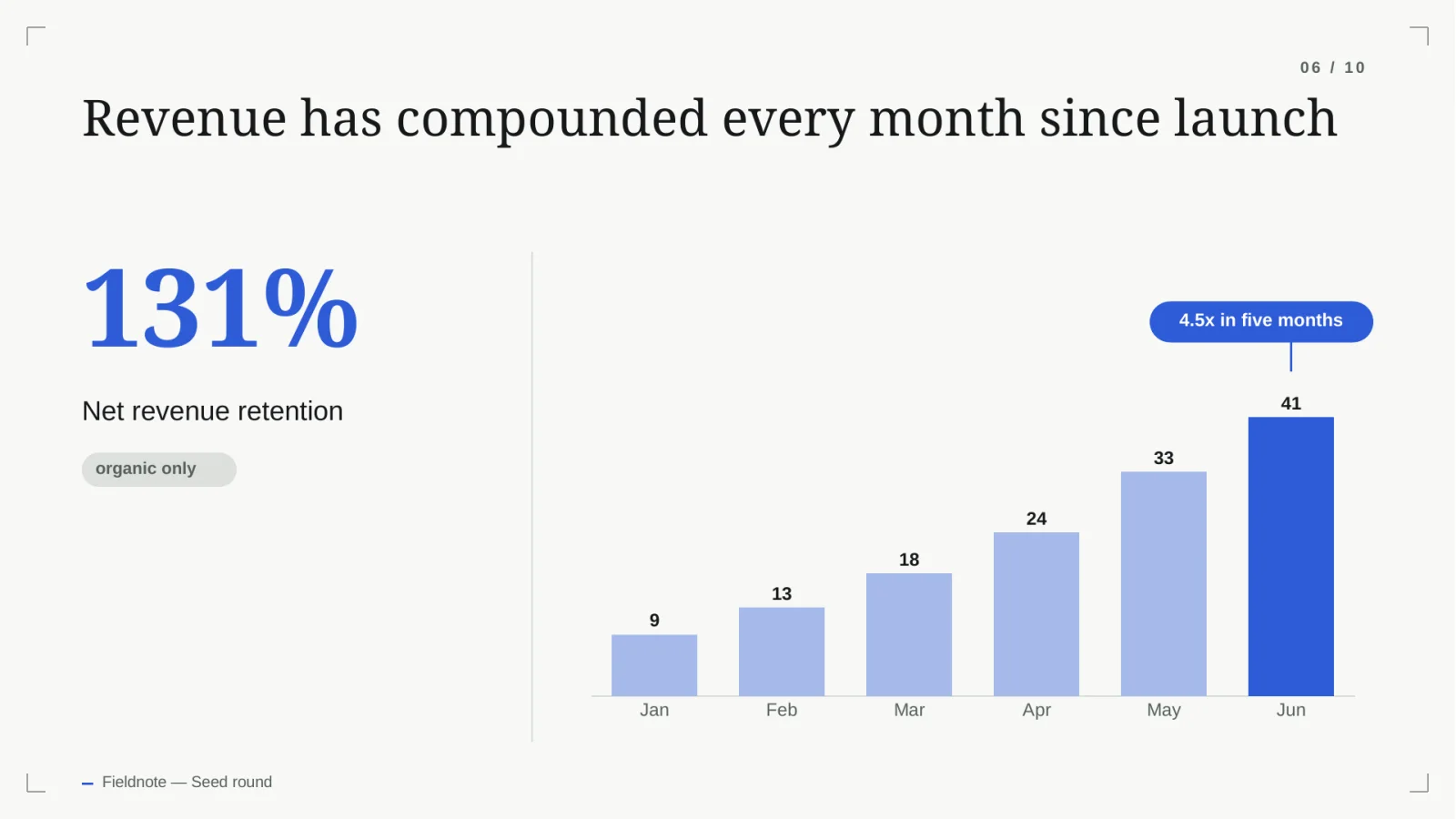
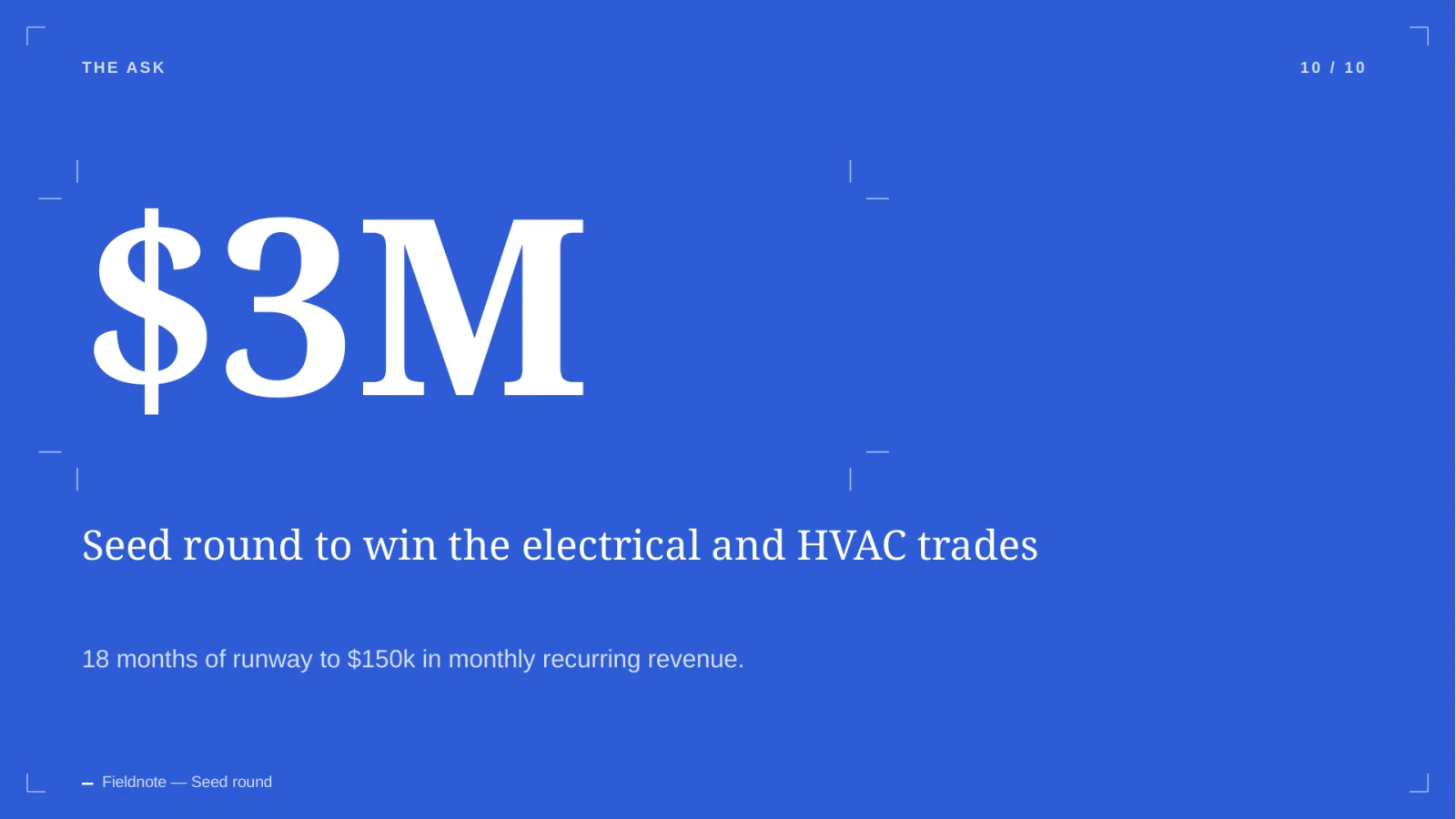
Illustrative content generated by the product. Companies and numbers are fictional.
FAQ
Questions, answered plainly.
Can I update the numbers later?
Yes. Charts are native PowerPoint charts with their data embedded, so you change the figures in PowerPoint's own data editor and the chart redraws.
Will it invent traction figures?
The deck is built from the numbers you give it. Figures it can't trace to your uploaded documents are flagged in the deck's source report, never presented as sourced.
Can I use my own brand?
Yes. Save a brand kit with your colours, logo and footer, and fonts from our licensed font list.
Is my deck private?
Workspaces are isolated with row-level security and files are kept in private storage. AI features run on Google's paid Gemini API, under terms where Google doesn't use your content to improve its products, and we don't train models on it either.
Start your next raise with a draft you can edit.
20 free credits. No card. Review the outline before you spend any of them.